How I run OCR on your documents without sending them anywhere
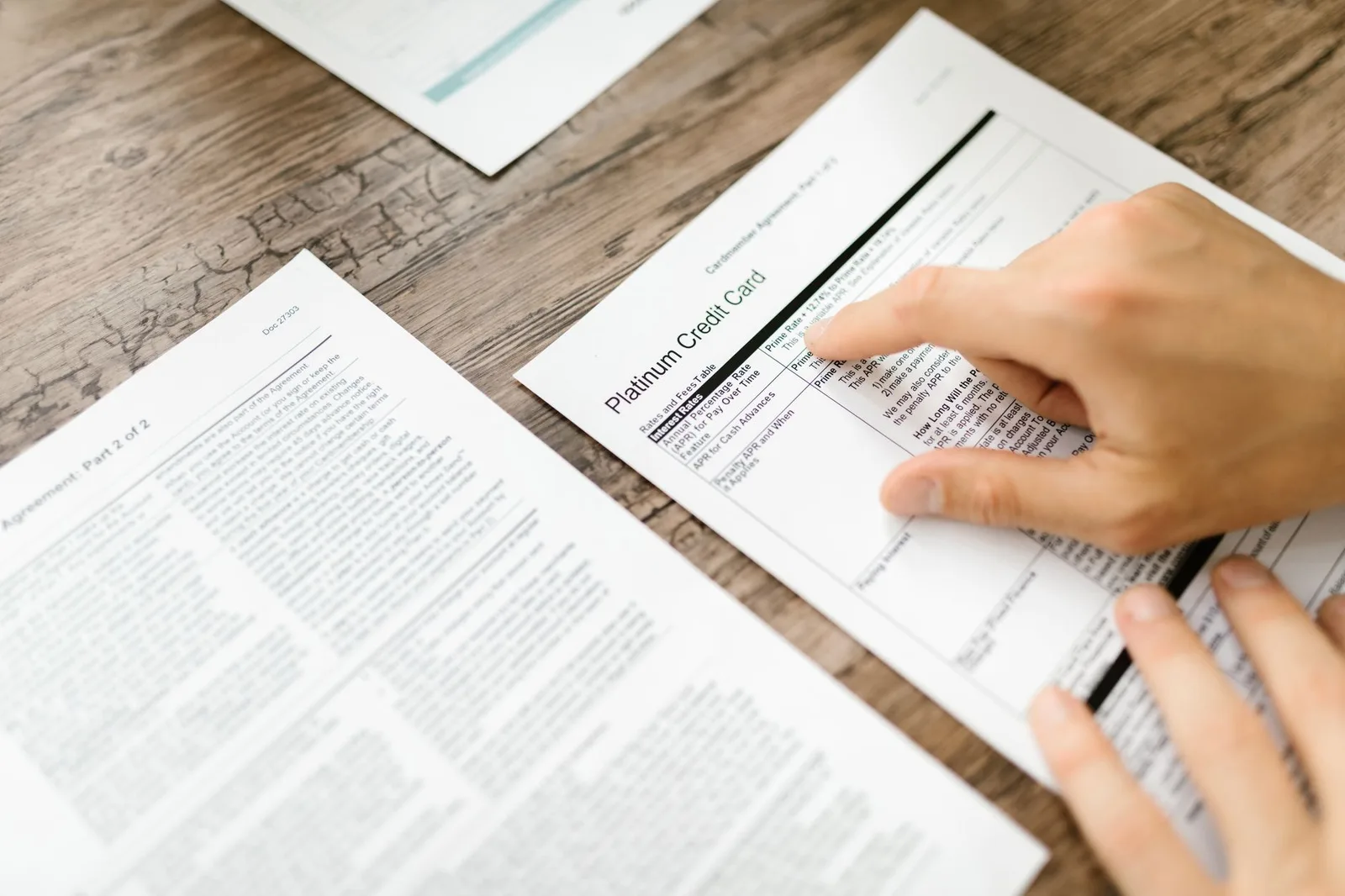
Most OCR tutorials are about three lines long. Load Tesseract, hand it an image, read the string back. Done. And for a clean 300 DPI scan, that genuinely is the whole job.
The catch is that nobody scans at 300 DPI anymore. They point a phone at a page on the kitchen table, half of it in shadow, and expect words out the other end. And the other catch, the one that kicked off this whole thing for me, is that the easy way to make this hold up on messy photos is to POST that image to a cloud OCR API. Which means a photo of someone's bank statement, or a medical letter, or whatever they were squinting at, leaves their device and lands on a server they've never heard of.
I build privacy-first browser tools, so that was a non-starter on day one. The rule on my site is blunt: files never leave the tab. So OCR has to run in the browser, on the user's own CPU, with tesseract.js. You can prove it yourself by opening the Network tab and watching zero bytes of your file go anywhere. Or by killing your Wi-Fi after the first load and watching it carry on like nothing happened.
Getting Tesseract to run in the browser was the boring part. The interesting part, the part I actually want to write about, is that running it wasn't enough. The blurry phone scans came out as garbage, and untangling why turned into the most satisfying afternoon of image-processing I've had in a long time.
Why "just run Tesseract" wasn't enough
Here's the thing that threw me. I'd test a page in Node with the same Tesseract, the same English model, and it would read perfectly. Then I'd push the identical page through the live browser tool and get mush. Dropped words, invented punctuation, the works. Same engine, same model, wildly different output. None of that makes sense until you look at what the browser does to the image before Tesseract ever sees it.
A phone photo of a page is often physically small, or low-contrast, or both. To give Tesseract something to chew on, I upscale it toward a target size on a canvas:
ctx.imageSmoothingEnabled = true;
ctx.imageSmoothingQuality = "high";
ctx.drawImage(bitmap, 0, 0, targetW, targetH);
That imageSmoothingQuality = "high" sounds like precisely what you want. It is the opposite. Canvas upscaling is bilinear-ish interpolation, and on text it produces soft, grey-fringed edges. To a human eye it looks fine, maybe even a touch nicer. To an OCR engine trying to decide where the black ink stops and the white paper begins, every letter edge is now a fuzzy ramp from white to grey to black, and the dense or faint regions are the first to dissolve. Node never had this problem because I was handing it the original pixels, not a smoothed-up canvas.
So the fix isn't a better model or a bigger image. It's giving Tesseract a clean, high-contrast, binary image: pure black text on pure white paper, edges crisp, noise gone.
Why a global threshold falls apart on a real photo
The obvious move is to threshold. Pick a brightness cutoff, anything darker goes black, anything lighter goes white. One number for the whole image. This is lovely in a lab and useless on a kitchen table, because a phone photo is unevenly lit. One corner is bright, the opposite corner sits in shadow. Any single global cutoff that keeps the shadowed text will smear the bright side into a solid black blob, or the reverse. There is no winning number.
The answer is a local adaptive threshold. Every pixel gets compared not to a global constant but to its own neighbourhood. The shadowed corner gets judged against its shadowed neighbours, the bright corner against its bright ones, and the lighting just stops mattering.
I used Sauvola's method, a longtime classic in document binarization for exactly this reason. For each pixel you look at a window around it, compute the local mean and standard deviation, and set the threshold like so:
threshold(x, y) = mean * (1 + k * (std / 128 - 1))
The mean handles uneven lighting. The standard-deviation term is the clever bit: in a flat region (blank paper, or solid ink) the local variation is low, which pulls the threshold down and stops noise from flickering into black specks. Near an actual edge the variation is high, and the threshold adapts to keep the stroke. The net effect is that faint text survives, because it's judged against its faint local background instead of being wiped out by a cutoff tuned for the dark text elsewhere on the page. That "keep the faint stuff" property mattered to me more than anything else, because the entire point of an extraction tool is that it must never quietly lose your words.
Making it fast: integral images
There's a snag. Done naively, computing a local mean and variance for every pixel means summing a whole window of neighbours, per pixel. On a multi-megapixel canvas that's a frankly absurd pile of additions and the tab just sits there and hangs. Nobody is going to wait twenty seconds staring at a frozen page, and I wouldn't blame them for closing it.
The trick is integral images, also called summed-area tables. You do one pass over the image building a running cumulative sum, and a second cumulative sum of squares. After that, the sum over any rectangle, no matter how big the window, is four array lookups:
const sum   = integ[D]   - integ[B]   - integ[C]   + integ[A];
const sumSq = integSq[D] - integSq[B] - integSq[C] + integSq[A];
const mean = sum / area;
const variance = Math.max(0, sumSq / area - mean * mean);
const std = Math.sqrt(variance);
const t = mean * (1 + k * (std / 128 - 1));
out[i] = gray[i] > t ? 255 : 0;
A, B, C, D are the four corners of the window in the integral image. Constant work per pixel, regardless of window size. The whole binarization becomes effectively linear in the pixel count and runs in well under a second on a normal page. I'm using a window of 25 pixels and k = 0.2, which I landed on by squinting at real scans rather than pulling from a paper, so treat those as starting points, not gospel.
If you've never met integral images before, this is one of the prettier tricks in image processing. You pay for one extra pass up front, and then arbitrary-size box queries are free forever. Once you've seen it you start spotting it everywhere: face detection, blur, this.
The speck cleanup nobody warns you about
Binarization gets you most of the way. The last little annoyance is that Tesseract, fed a real scan, hallucinates lone punctuation. It reads a fleck of scanner noise or a smudge as a stray : or | or a curly quote, sitting on its own in a sea of whitespace. Across a page you collect a confetti of garbage tokens that make the output look untrustworthy even when the actual words came back right.
So I do one conservative pass over each recognised line:
line
  .replace(/(^|\s)[:;|'"’`]+(?=\s|$)/g, "$1")
  .replace(/\s{2,}/g, " ")
  .trim();
The load-bearing word is conservative. It only strips a punctuation token that's fully fenced in by whitespace. It will never touch punctuation attached to a real word, so below: and (ICOR): come through untouched. The temptation here is to get cleverer and also drop low-confidence words, and I deliberately don't. Tesseract's per-word confidence can't reliably tell faint-but-real text from noise (the ranges overlap), so a confidence cutoff quietly eats real content, like the faint option letters on a scanned multiple-choice paper. An extraction tool deleting your words to look tidier is the single worst trade I can think of.
The payoff: a searchable PDF that never left the tab
Plain text is one output. The one I'm actually proud of is the searchable PDF.
When you compress or rebuild a scanned PDF on the tool, there's an opt-in OCR toggle. Flip it on and, for each page, I run the same recognition and then draw the recognised words back onto the page as an invisible text layer, rendered at zero opacity, positioned by each word's bounding box. The page still looks exactly like the scan, pixel for pixel. But now you can select text, copy it, and Cmd-F your way through it, because there's a real text layer sitting silently on top of the image. It's the same thing the pricey desktop apps do, except it happened on your laptop and nothing was uploaded.
Because that text layer is opt-in, the heavy bit (Tesseract's wasm core plus the English model, about 15 MB) only downloads when you actually flip the toggle. It's lazy-imported, fetched once from a CDN, then cached. Same posture as the in-browser background-remover model on the site: the engine is generic and public, your document is the only thing that's private, and your document never moves.
Where this honestly hits a wall
I'd be lying if I claimed this reads anything. It reads text. Printed paragraphs, forms, exam papers, receipts, résumés, all solid. It does not read charts, infographics, or stylised marketing graphics where the "text" is baked into the illustration, and no amount of binarization fixes that, because the limitation isn't the threshold. It's that Tesseract is an OCR engine, not a vision-language model that understands a pie chart. I chased that one for a while before admitting it's a genuine ceiling of in-browser OCR and not a bug waiting for me to be clever enough.
Two other honest caveats. Handwriting is hit-and-miss, since Tesseract is built for print. And I default this whole preprocessing pass to ON for desktop and iPad but OFF for phones, because building those integral images costs roughly 150 MB of transient memory on a full-size canvas. On a desktop that's a rounding error. On a phone it's a needless out-of-memory risk, and phones happen to do fine on the plain upscaled image anyway. You can force it either way with a ?prep=sauvola or ?prep=none query param if you want to poke at it.
What I'd do differently
If I started over, I'd reach for a proper resampler (a Lanczos kernel) on the upscale step instead of leaning on canvas smoothing, so the image arrived sharper before binarization rather than getting de-blurred afterward. The two passes overlap in what they're fixing, and a cleaner upscale might let me run a gentler threshold.
I'd also love to move the binarization into a Web Worker so the main thread never even flinches. Right now it's quick enough that I haven't caught a freeze worth fixing, and my standing rule is to not add a worker until there's a real freeze to point at, so it stays on the main thread. That's the honest reason, not a principled one. I'll move it the day a slow page makes me.
But the core lesson held, and it's what I'd tell anyone wiring up tesseract.js in the browser: the model is rarely your problem. The image you feed it is. Spend your time there, keep every word the engine hands back, and you can do all of it without a single byte of someone's private document leaving their machine. Which, given what people actually scan, feels like the least I can do.
If you've got a scan you'd rather not upload anywhere, the in-browser OCR tool is here.
Every tool on PDF & Image Tools runs entirely in your browser. Your files never leave your device.
← All posts