Blog
Notes on building privacy-first tools that run entirely in your browser, how they work under the hood, and why your files never leave your device.
 ·10 min read
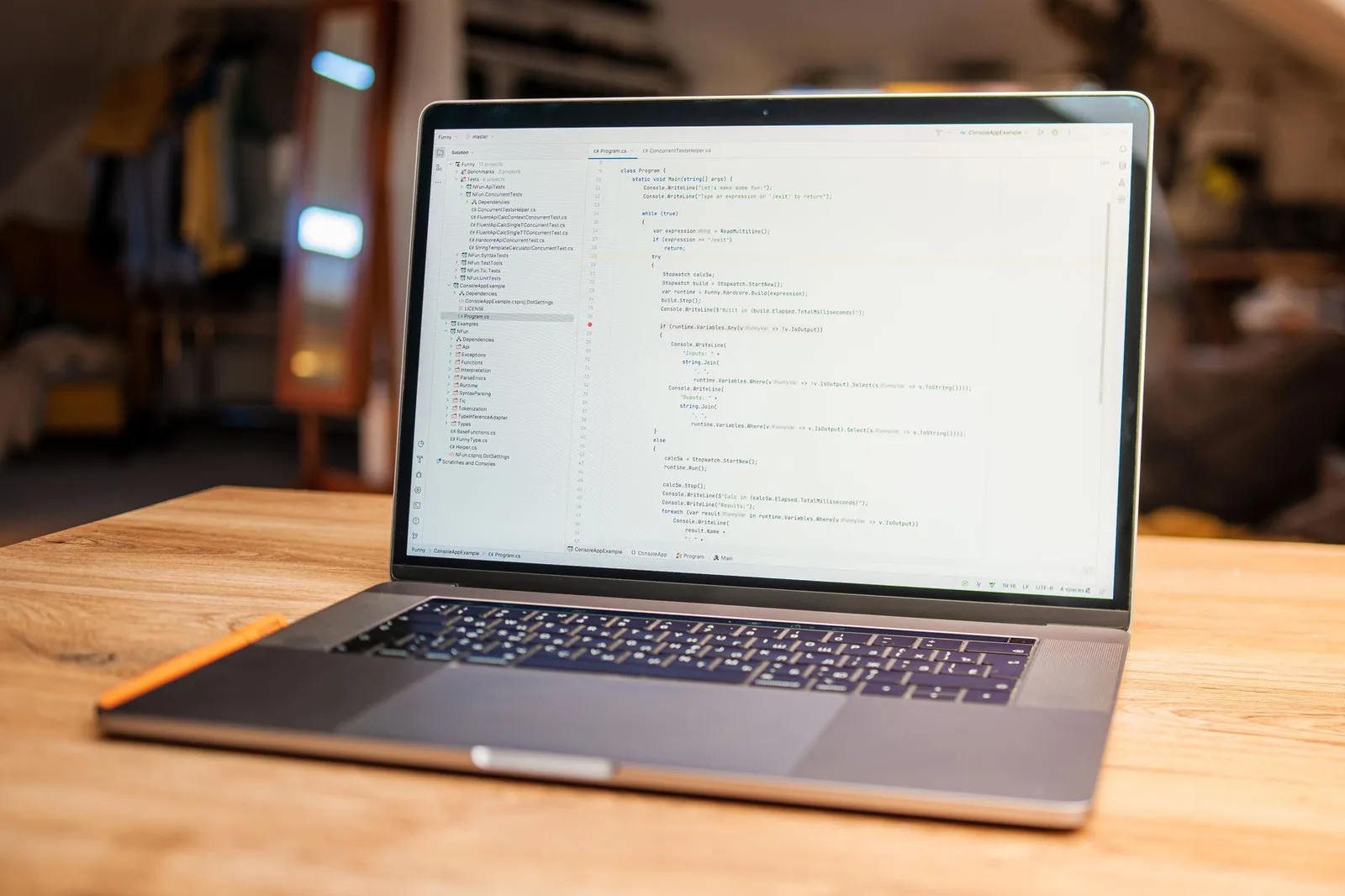
Running a background-removal neural net in the browser, with no two devices treated the same
How one in-browser background remover routes a WebGPU desktop engine and a lean single-thread WASM engine so it runs on iPad, iPhone, and Android too.
 ·9 min read
What nobody tells you about building a product entirely in the browser
I shipped 64 tools and an AI model with no backend, all in the browser. The honest ledger of what running on the user's own device buys you, and what it costs.
 ·10 min read
Compressing to an exact target size in the browser, with a binary search
How I hit an exact PDF target size like 'under 200 KB' in the browser: render once, binary-search a cheap proxy, verify the real bytes, never upload.
 ·12 min read
Converting between image formats in the browser, including the weird ones (HEIC, AVIF, ICO, SVG, TIFF)
JPG to PNG is two lines of canvas. HEIC, AVIF, ICO, SVG and TIFF are not. How I convert 20 image formats entirely in the browser, where files never upload.
 ·9 min read
Do 'free' PDF tools really upload your files? The 30-second test anyone can run
Free PDF tools all look the same, but some quietly upload your files. Here is a 30-second browser test that shows you exactly what leaves your device.
 ·10 min read
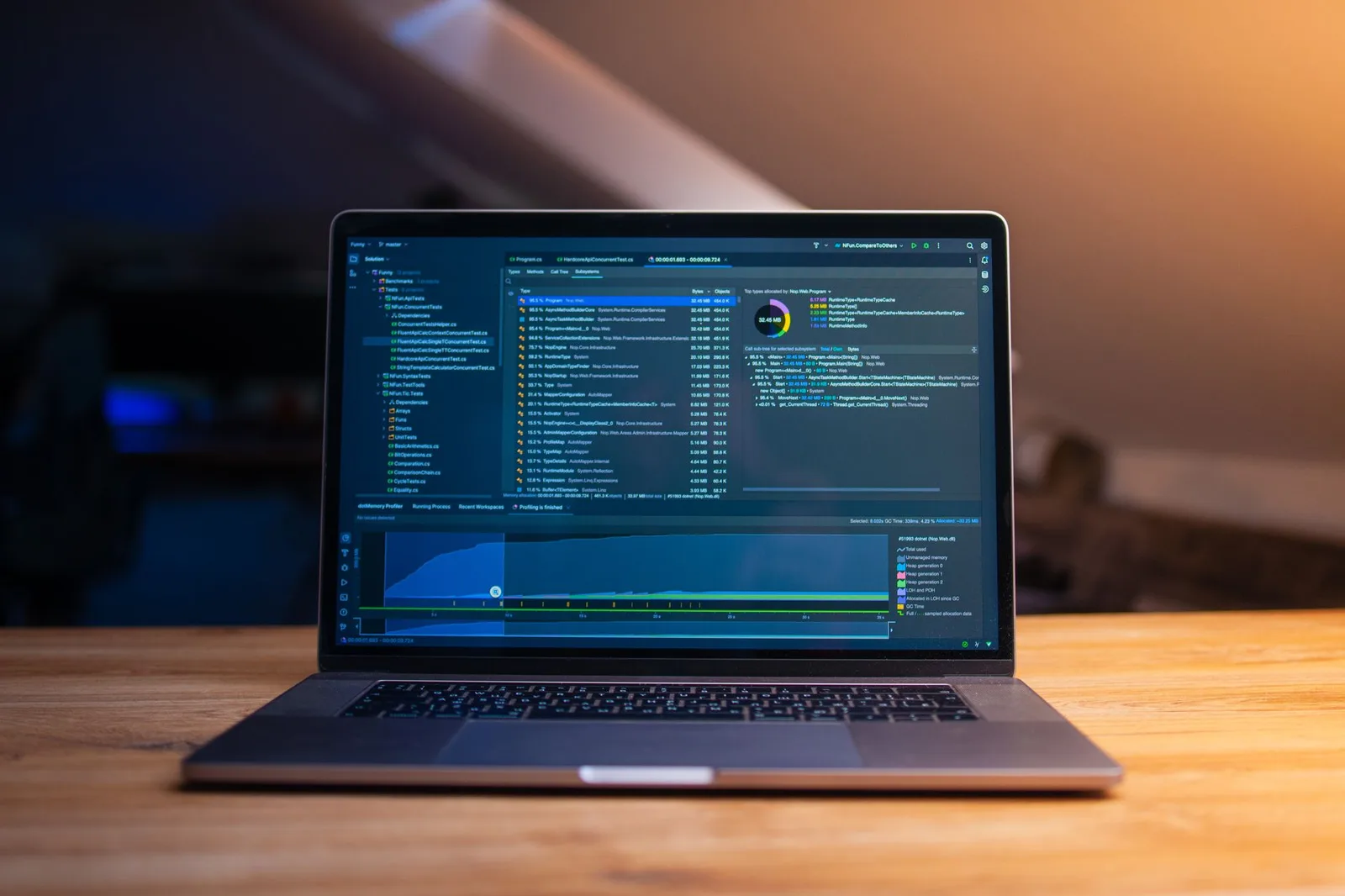
Getting started with image tools: from awkward crops to batch conversion, all in the browser
A practical guide to cropping, batch-resizing, compressing to an exact file size, and converting HEIC, all running locally in your browser tab.
 ·9 min read
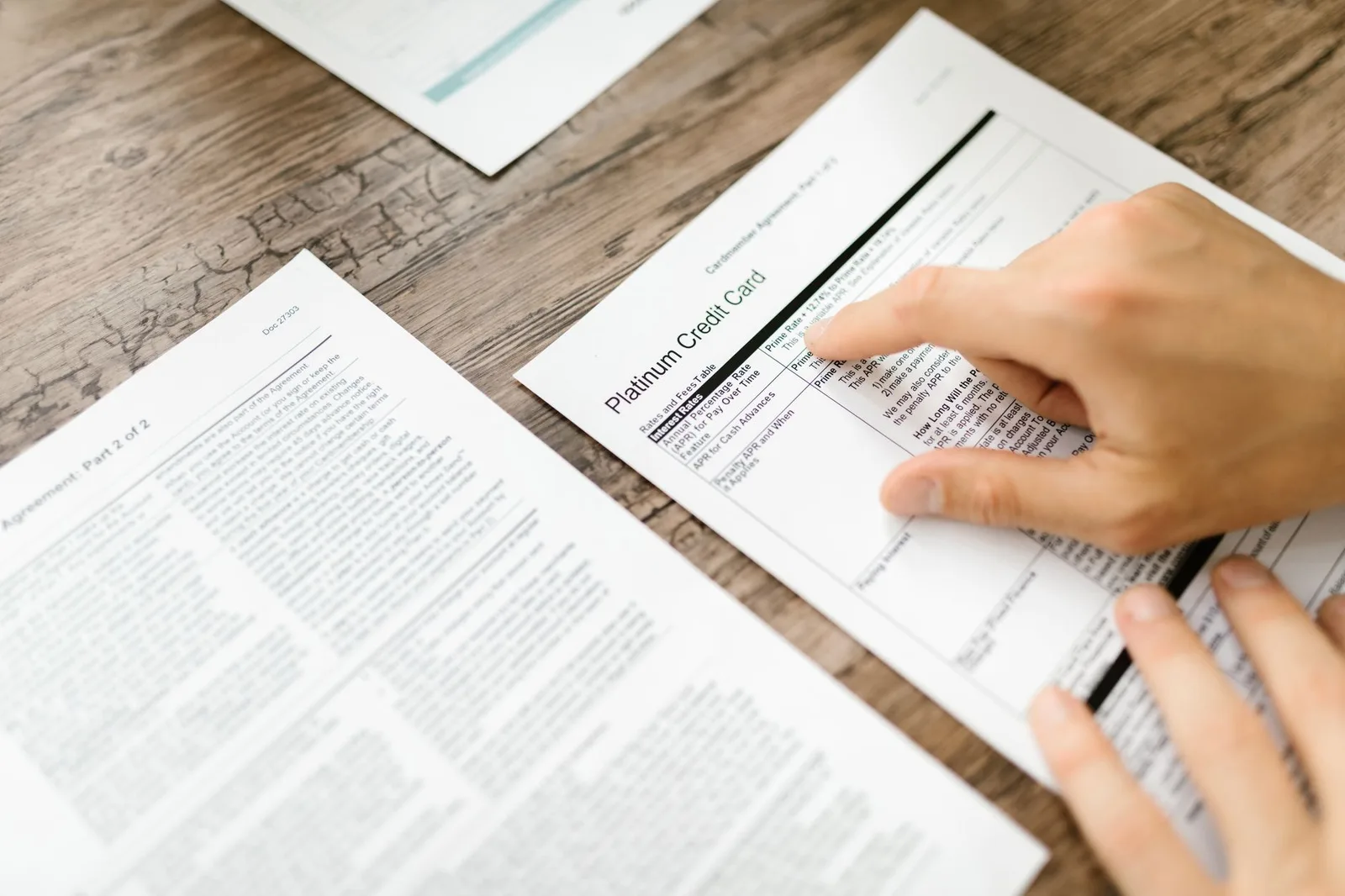
I didn't have a server, so I learned to do everything in the browser
I couldn't afford a server, so I learned to run PDF and image tools entirely in your browser. Your files never leave your device, and you can check it yourself.
 ·10 min read
How I run OCR on your documents without sending them anywhere
OCR runs in your browser with tesseract.js, so a photo of your bank statement never leaves the tab. The preprocessing that makes blurry phone scans readable.
 ·8 min read
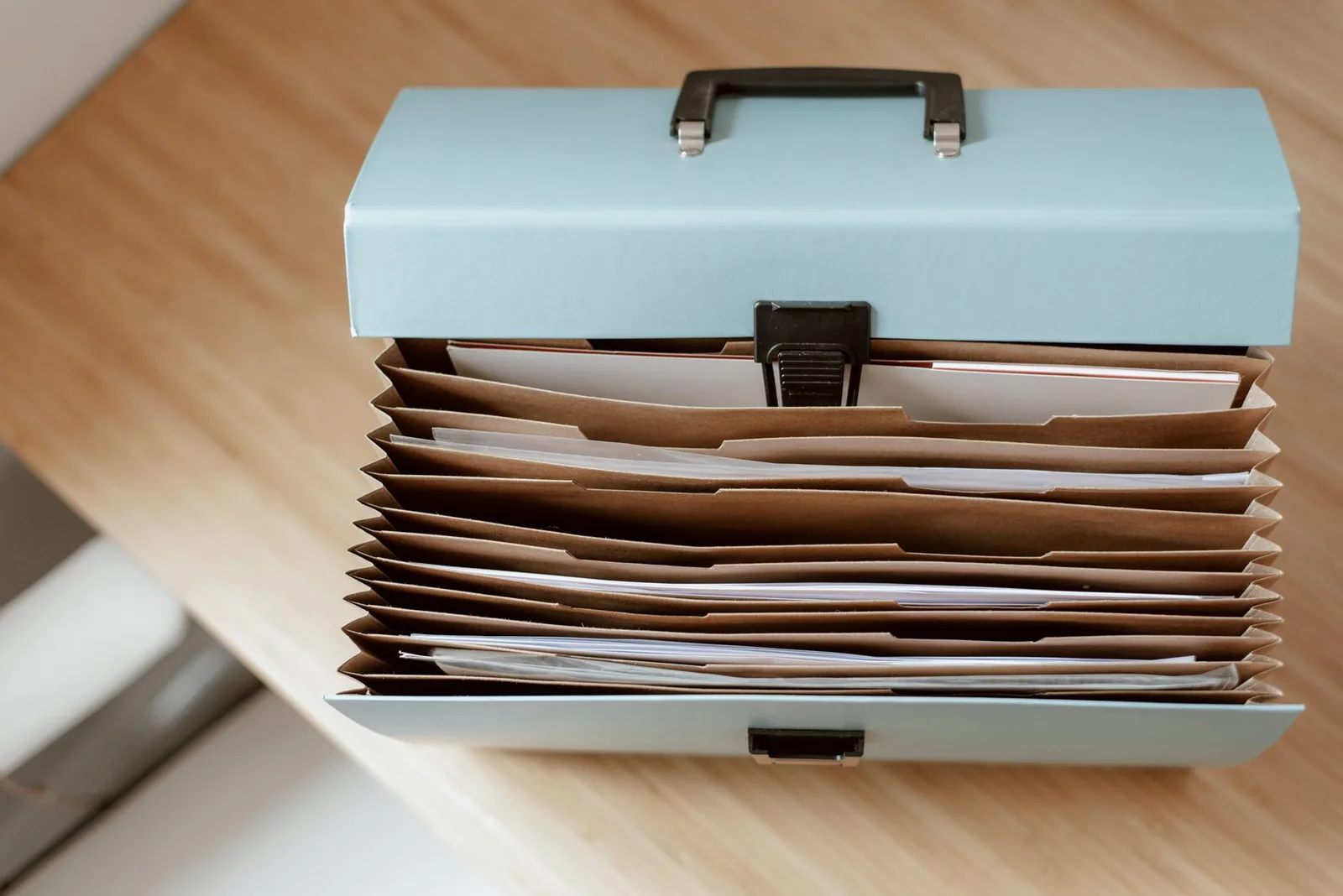
How I organize and merge PDFs without a server watching
Reorder, merge, protect, and pull pages from a stack of PDFs without uploading a byte. The local workflows I actually use, and where I'd stop adding steps.
 ·5 min read
Why server-side PDF tools aren't privacy-first, and how client-side changes that
A technical and legal look at why server-side PDF tools leave a deletion window you don't control, and how processing in your browser removes it entirely.
 ·12 min read
What every tool on PDF & Image Tools does (and doesn't)
The honest spec sheet for every PDF and image tool on the site: what each one does, where it breaks, and why your files never leave your browser.